Creating a rap beat is a blend of rhythm, melody, and energy. Whether you’re producing for yourself or another artist, every great track starts with a solid foundation. Here’s a complete beginner-friendly guide to making a rap beat—from setup to mastering.
1. Choose Your DAW
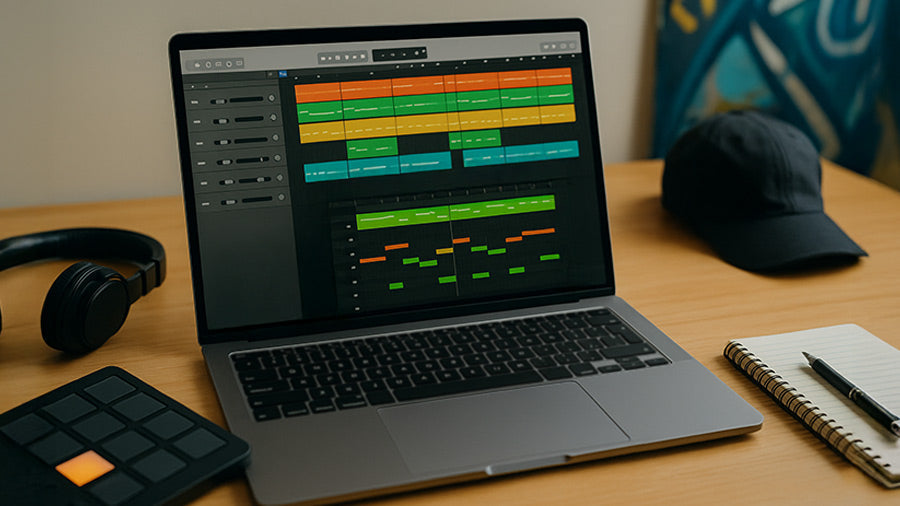
A Digital Audio Workstation (DAW) is the heart of your setup. Beginners can start with GarageBand, BandLab, or FL Studio, while advanced producers often use Logic Pro X or Ableton Live. All DAWs let you record, edit, and arrange sounds, so choose one that feels intuitive and fits your workflow.
2. Gather Your Drum Sounds
Drums are the heartbeat of any rap beat—they define the groove, energy, and style. You can create your rhythm using a drum machine (like the Akai MPC or Roland TR-8), layer digital sound packs with kicks, snares, and hi-hats, or record live percussion for a more organic feel. Start by building around a solid kick and snare, then add hi-hats and shakers to shape the groove and give your beat movement. Layering different textures creates punch and swing that make your rhythm stand out.
3. Build a Melody
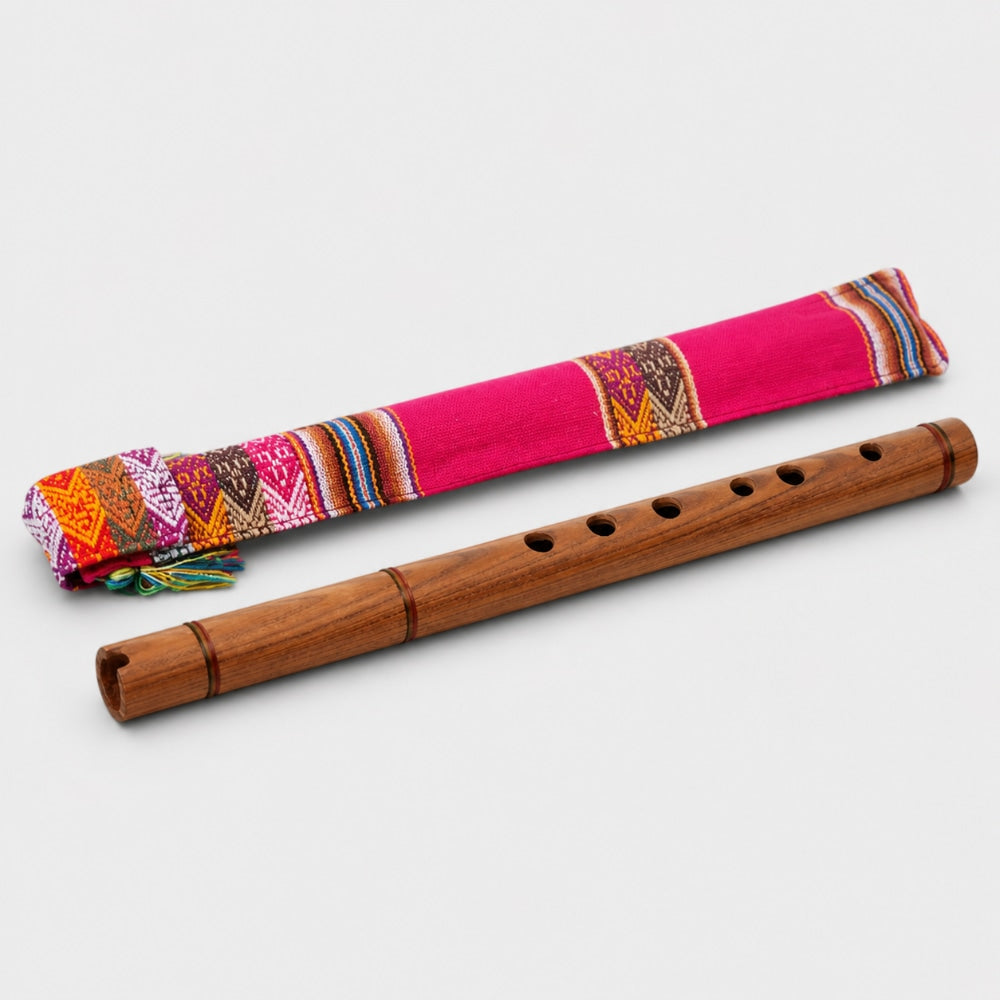
The melody gives your rap beat its character and emotion. You can create it using a MIDI keyboard, guitar, kalimba, or even a vocal chop sample—the key is to keep it simple and loop short phrases that complement the rhythm. Experiment with minor scales for dark, moody vibes or major scales for more uplifting energy, and don’t be afraid to sample old records or record your own instruments for originality. Layer in Carved Culture’s melodic instruments like the kalimba or ukulele.
4. Add a Bassline
A strong bassline gives your rap beat depth, groove, and power. You can record it using a bass guitar, create one with a MIDI bass plugin, or use a sample that complements your melody. Keep your bass rhythm tight by following the kick pattern, ensuring both elements work together to drive the beat. Focus on sub-bass frequencies for that chest-rattling trap or boom-bap feel, and always check your mix on both headphones and speakers to make sure it hits just right.
5. Arrange Your Beat
Arranging your beat is about creating flow and movement that keeps listeners engaged. Think of it like storytelling—start with an intro (4–8 bars) to set the mood, build into a verse (16 bars) that leaves room for vocals, then lift the energy in the chorus (8 bars) with memorable hooks or added layers. Add a bridge or outro for variation before closing the track. Use automation to fade instruments, adjust volume, or add effects—keeping your beat dynamic, evolving, and full of life from start to finish.
6. Mix and Master
Balance levels and use EQ to give each sound space. Add effects where needed, then master the finished mix for tonal balance and suitable loudness. Check it on headphones and speakers. Keep the groove at the centre of your decisions: more processing doesn’t always make a better beat.
Turn your loop into a complete beat

A drum pattern and melody are a starting point, but developing them into a full instrumental takes arrangement and listening skills. Become a Producer provides practical exercises on drums, basslines, contrasting sections and transitions, helping you build a beat that develops while leaving room for a rapper’s vocals.